
Best Appliance Brands for Home – A Comparative Guide
How to Reset Samsung Washing Machine – Step-by-Step Guide
December 2, 2025
Washer Repair
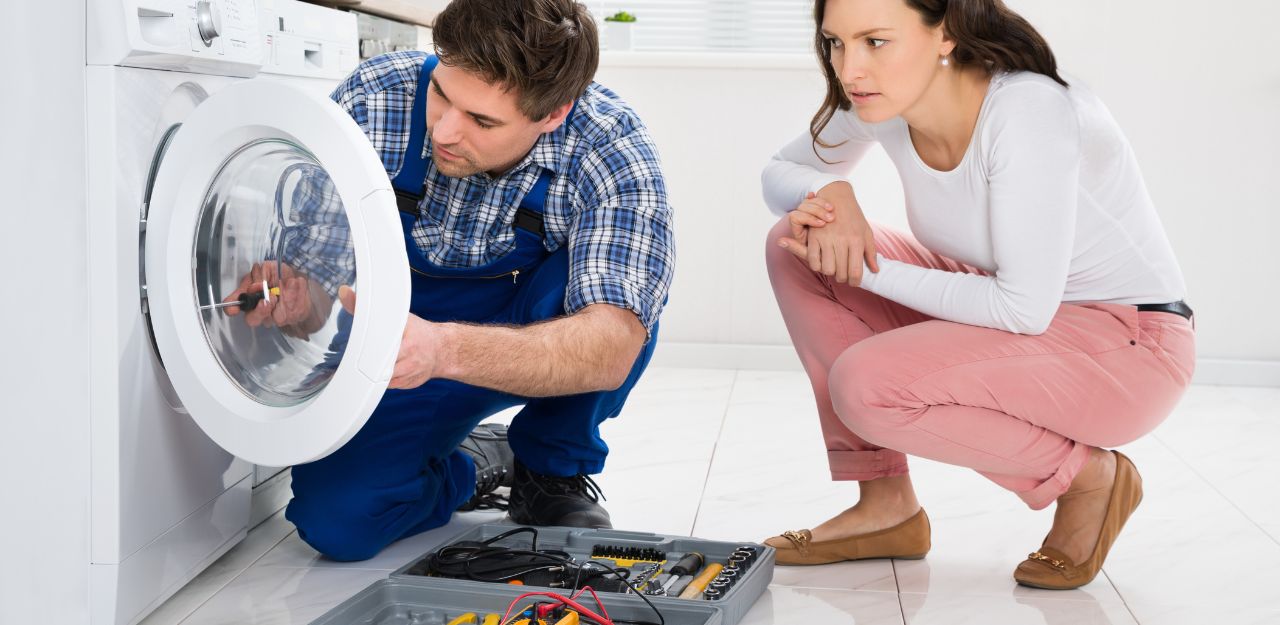
If you’re searching for How to Reset Samsung Washing Machine, this simple guide from Ben’s Appliance Repair will help you fix common glitches fast and get your washer running smoothly again.
Samsung washers are known for their smart features and efficiency, but like any appliance, they can freeze, show error codes, or stop mid-cycle. A reset is often the quickest way to restore normal operation.
Why You May Need to Reset Your Samsung Washing Machine
A reset helps resolve a variety of minor issues, including:
Unresponsive control panel or frozen display
Washer not starting or stopping mid-cycle
Error codes appearing out of nowhere
Washer not draining or spinning properly
If you notice any of these problems, try a standard reset first before attempting deeper troubleshooting.
How to Reset a Samsung Washing Machine
A basic reset is often enough to bring your washer back to normal.
Step 1: Turn Off the Washer
Press the Power button to shut down the machine. If it won’t respond, continue to the next step.
Step 2: Unplug the Washer
Remove the power cord from the outlet.
If your unit is hardwired, switch off the circuit breaker.
Step 3: Wait 5–10 Minutes
This pause allows the internal electrical components to discharge and reset completely.
Step 4: Restore Power
Plug the washer back in or turn on the breaker.
Power on the machine and run a short cycle to see if the issue is resolved.
How to Perform a Hard Reset (Deep Reset)
If the basic reset didn’t help, try a hard reset:
Turn the washer off and unplug it.
Hold down the Power button for 10 seconds.
Keep the washer unplugged for 30 minutes to clear internal memory.
Plug it back in and turn it on.
Run a test cycle to confirm the issue is fixed.
Resetting a Samsung Washer After Error Codes
If an error code appears, fix the cause first, then perform a reset.
Common Samsung washer error codes:
UE – Load is unbalanced; redistribute laundry
SE / 5E – Drain error; check the filter and drain hose
4C – Water supply issue; inspect inlet hoses
5C – Drain system problem; clean pump filter
ND – No drain; check pump and hose for clogs
Once you correct the issue, reset the washer using the steps above.
What to Do If Your Samsung Washer Still Won’t Reset
If the machine remains unresponsive after multiple reset attempts, check:
Power supply – faulty outlets or tripped breakers
Water flow – clogged hoses or low pressure
Mechanical issues – unusual vibrations or noises
When these problems persist, it’s best to call the experts at Ben’s Appliance Repair for a full diagnostic and professional washer repair.
Final Thoughts
Learning How to Reset Samsung Washing Machine can save you time and prevent unnecessary stress. With the correct reset method, most glitches and error codes can be resolved quickly. But if your Samsung washer still won’t function properly, Ben’s Appliance Repair is ready to help with reliable service and expert troubleshooting.
Have Any Question?
Have questions? Contact us today! Our friendly team at Ben’s Appliance Repair is ready to help with all your appliance repair needs.
- 289-804-5858
- [email protected]